How to Port a v9.0b Stage to Beta
Porting a stage to Beta is very similar to porting a character, with just a few small changes.
Getting an FLA
Before you start, you’ll need to do an FLA Conversion. Your mod needs to be in Adobe Animate format. If it was made with JPEXS, convert it to an FLA file. Important: Always make a backup in case something goes wrong.
Script Porting: Main
Next, we’re going to adapt the stage’s Main.as file to fit the new format.
Before:

The parts we need to edit are highlighted. The red line is because music isn’t handled the same way in Beta—it’s loaded from a different .dat file instead of being hardcoded like in 9b.
After:

StageExt
Now we’ll create your own version of StageExt, which refers to the “stage” object in your code.

In this example, we’ll be editing Battlefield’s StageExt.
Before:

After:
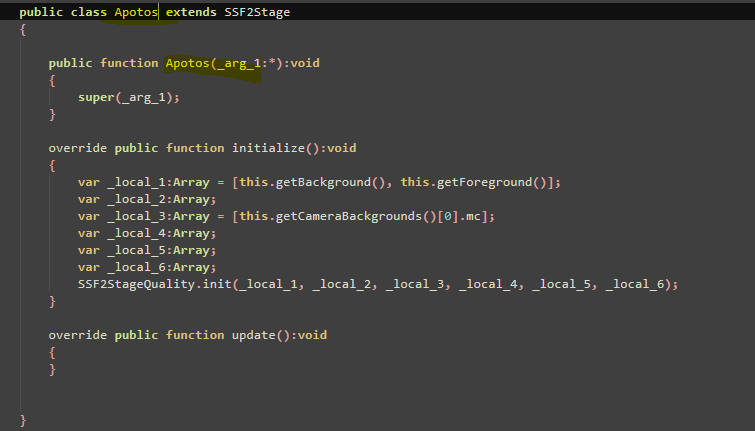
This script controls things like hazards and other stage behavior.
Adding Beta’s API
Next, add all the Beta API scripts to your stage.

Class Setup
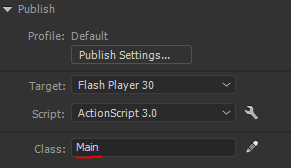
In your FLA file, set the document class to Main.
Enjoy!
Your stage should now be working in Beta!
